fortinet VPN(2026)

Learn what Fortinet VPN does, how FortiClient and FortiGate fit together, and how to download, set up, and troubleshoot a connection.
Fortinet VPN is a way to connect securely to a private network from another location. In many setups, the user runs FortiClient on a computer or mobile device, while a FortiGate device provides the network gateway. Whether you can connect depends on your organization’s configuration and access permissions.
FortiClient VPN and FortiGate serve different roles in a Fortinet VPN setup
| Comparison point | FortiClient VPN | FortiGate |
|---|---|---|
| Primary role | VPN client software | Network security gateway |
| Where it runs | User’s computer or device | Network edge or virtual environment |
| Main VPN function | Connects a user to a VPN | Hosts and manages VPN access |
| Typical user | Remote worker | Network administrator |
| VPN connection | Initiates the connection | Accepts and manages the connection |
| Security features | Depends on edition and configuration | Firewall and security controls |
| Setup responsibility | Install and configure the client | Configure the VPN on the gateway |
| Works alone as a complete VPN service | No; needs a configured VPN endpoint | Provides the VPN endpoint |
Compiled November 2026; check the provider's site for current details.
| VPN | Obfuscation | From / month | Plan | Free plan | Refund | Alipay | UnionPay | Crypto | Website opens in China | Trustpilot | |
|---|---|---|---|---|---|---|---|---|---|---|---|
 ZoogVPN | Turn on manually Shadow | $2.49/mo | 27 months: $59.99 | Yes | 7 days | ✓ | ✓ | ✓ | ✓ | Official site blocked; our special link opens (4.4 s) | 4.2/5 (195 reviews) |
 NordVPN | Turn on manually Obfuscated Servers / NordWhisper | $3.49/mo | 27 months: $94.23 | No | 30 days | ? | ✗ | ✓ | ✓ | ✗ Blocked | 4.2/5 (51,628 reviews) |
 ExpressVPN | ✓ On by default all servers | $3.00/mo | 28 months: $84 | No | 30 days | ✗ | ✗ | ✓ | ✗ | ✗ Blocked | 4.4/5 (29,706 reviews) |
 Surfshark | ✓ On by default Camouflage, with OpenVPN | See site | See site | No | 30 days | ✗ | ✗ | ✗ | ✓ | ✗ Blocked | 4.3/5 (31,823 reviews) |
 Proton VPN | Turn on manually Stealth, free plan too | $2.99/mo | 12 months: $35.88 | Yes | 30 days | ✗ | ✗ | ✗ | ✓ | ✗ Blocked | 2.1/5 (1,040 reviews) |
 Astrill VPN | Turn on manually StealthVPN / OpenWeb | $12.50/mo | 24 months: $300 | No | See site | ✗ | ✗ | ✗ | ✓ | ✗ Blocked | 1.3/5 (110 reviews) |
 Private Internet Access | Turn on manually Shadowsocks, OpenVPN only | $2.03/mo | 40 months: $81.2 | No | 30 days | ✗ | ✗ | ✗ | ✗ | ✗ Blocked | 4.2/5 (11,033 reviews) |
 CyberGhost | Turn on manually selected servers | $2.19/mo | 28 months: $61.32 | No | 45 days | ✗ | ✗ | ✗ | ✓ | ✗ Blocked | 4.0/5 (24,178 reviews) |
 PureVPN | Turn on manually switch to OpenVPN | $1.69/mo | 60 months: $101.55 | No | 31 days | ? | ? | ✗ | ✓ | ✗ Blocked | 4.4/5 (17,994 reviews) |
 AdGuard VPN | ✓ On by default TrustTunnel | $2.99/mo | 24 months: $71.76 | Yes | 30 days | ✓ | ✗ | ✓ | ✓ | Official site blocked; our special link opens (3.7 s) | 4.3/5 (290 reviews) |
 Mullvad | Turn on manually QUIC / Shadowsocks / LWO | $5.61/mo | €5/mo | No | 14 days | ✗ | ✗ | ✗ | ✓ | ✗ Blocked | 3.2/5 (192 reviews) |
 Windscribe | Turn on manually Stealth / WStunnel | $5.75/mo | 12 months: $69 | Yes | See site | ✗ | ✗ | ✗ | ✓ | ✗ Blocked | 4.7/5 (13,355 reviews) |
 StrongVPN | Turn on manually Scramble, OpenVPN TCP | See site | See site | No | 30 days | ✓ | ✗ | ✗ | ✗ | ✗ Blocked | 4.4/5 (2,695 reviews) |
 LightXtreme 闪连 | Not listed | $7.08/mo | 12 months: $84.99 | Yes | 30 days | ✓ | ✓ | ✓ | ✓ | ✓ Yes (3.5 s) | No page |
Prices checked 2026-11-10 on each vendor's pricing page (cheapest long plan, USD). Check the vendor's checkout for the final price.
Obfuscation checked 2026-11-14 on each vendor's site and help center: "on by default" = nothing to set; "turn on manually" = switch protocol or mode in settings; "not listed" = the vendor describes no obfuscation.
Payment methods checked 2026-11-10 on each vendor's payment pages: all 14 take cards and PayPal; ✗ = not listed, ? = the vendor's own pages disagree.
China access: whether the official website opens from mainland China networks (tests the website only, not the VPN connection). Last checked 2026-11-18 01:02 Beijing time.
Trustpilot score and review count checked 2026-11-10.
What Fortinet VPN does
A virtual private network, or VPN, creates an encrypted connection between a device and a network. This lets an authorized remote user reach internal resources, such as work systems or files, as if their device were connected to the organization’s network.
Fortinet’s VPN documentation describes VPN technology as a way for remote users to connect to private computer networks securely. A VPN protects traffic traveling between the user’s device and the VPN gateway, but it does not make every online activity anonymous or guarantee that a device is free of malware.
Organizations may configure VPN access to connect a user to selected services or to route more of their network traffic through the organization. The exact behavior depends on the VPN setup.
FortiClient and FortiGate: what’s the difference?
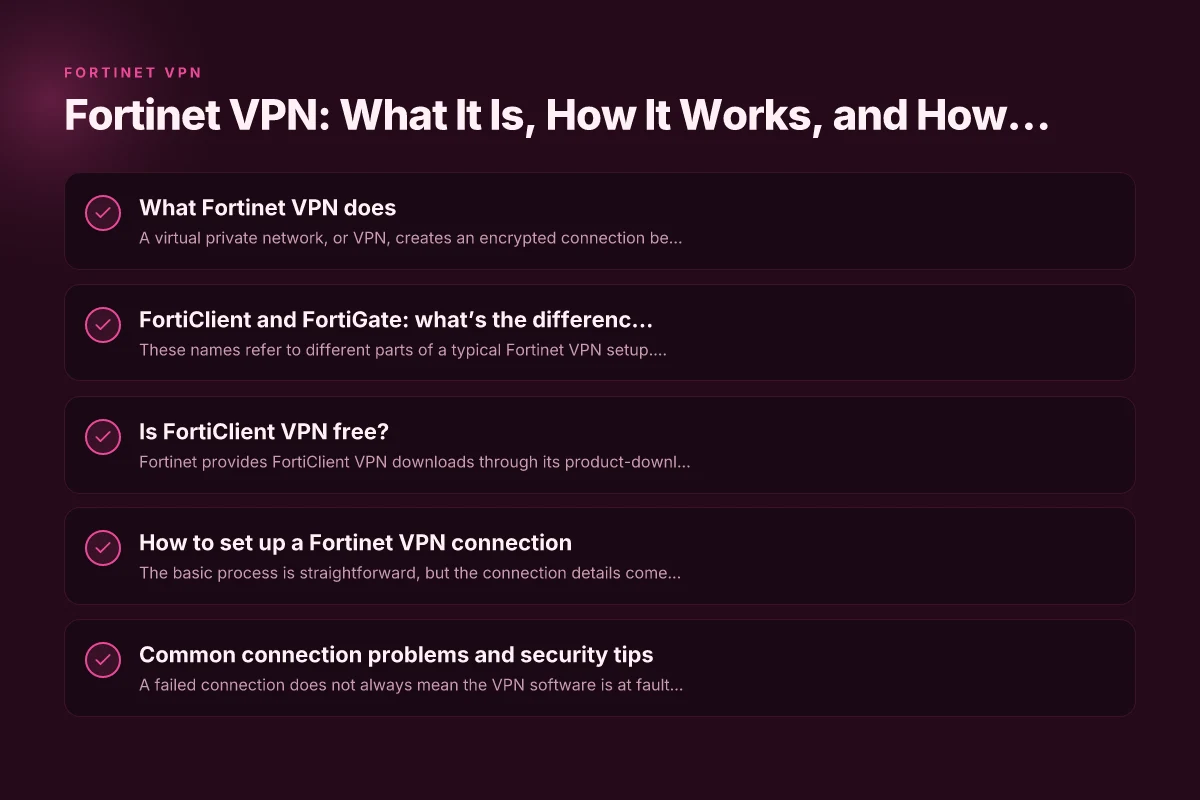
These names refer to different parts of a typical Fortinet VPN setup. FortiClient is installed on the user’s device. FortiGate is a security appliance and platform that can act as the VPN gateway and enforce network rules. VPN free extension edge(2026)
| Component | What it does | Who typically manages it |
|---|---|---|
| FortiClient VPN | Connects a user’s device to a configured VPN service | The user or an organization’s IT team |
| FortiGate | Provides the VPN gateway and applies network security policies | The organization’s network or security team |
The names are related, but they are not interchangeable: FortiClient is the client software, while FortiGate is commonly the network-side system. FortiGate is known as a firewall and can also provide VPN functionality.
FortiClient VPN editions differ in included capabilities
| Comparison point | Free VPN-only use | Paid FortiClient options |
|---|---|---|
| VPN client access | Supported | Supported |
| Cost | Free for VPN-only use | Requires a paid license or subscription |
| Endpoint security tools | Not included with VPN-only use | May be included, depending on the offering |
| Central management | Limited or unavailable | Available with supported management products |
| VPN configuration | Requires connection details from an administrator | Can support managed configurations |
| Best suited for | Individual VPN connection needs | Organizations needing broader endpoint controls |
| VPN endpoint required | Yes | Yes |
| Availability of features | Basic VPN functionality | Varies by edition and license |
Compiled November 2026; check the provider's site for current details.
Is FortiClient VPN free?
Fortinet provides FortiClient VPN downloads through its product-downloads page. Availability of a VPN-only client does not necessarily mean that every Fortinet feature, service, or business deployment is free. Features and licensing can vary, so check Fortinet’s current download information and your organization’s requirements. NordVPN extension edge(2026)
For a work or school connection, use the version and configuration recommended by the organization. It may provide a specific download link, server address, sign-in method, or installation guide. A general download alone may not include the information needed to connect.
Where to download it
Start at Fortinet’s official Product Downloads page and select the appropriate operating system. Fortinet lists downloads for platforms including Windows, macOS, and Android. Avoid unofficial download sites, which may offer outdated or altered software.
Before installing, confirm that your device’s operating system is supported and meets any organization-specific requirements. Some organizations restrict access from operating systems they consider unsupported or end of life.
How to set up a Fortinet VPN connection
The basic process is straightforward, but the connection details come from the organization that runs the VPN. VPN extension for microsoft edge(2026)
- Get the approved installer. Download FortiClient from Fortinet or use the link provided by your employer, school, or service administrator.
- Install the application. Follow the prompts for your operating system and grant any permissions the installer requires.
- Add or select the VPN connection. Enter the server address and other settings supplied by your organization. The setup may use SSL VPN or another supported configuration.
- Sign in. Use the credentials and any additional authentication method required by the organization.
- Connect and test access. Confirm that the VPN reports a successful connection, then try the work or school resource you need.
Do not guess the server address or authentication settings. If you do not have them, request the organization’s VPN instructions. Installation steps can differ between Windows and macOS, and mobile setup may have its own requirements.
Common connection problems and security tips
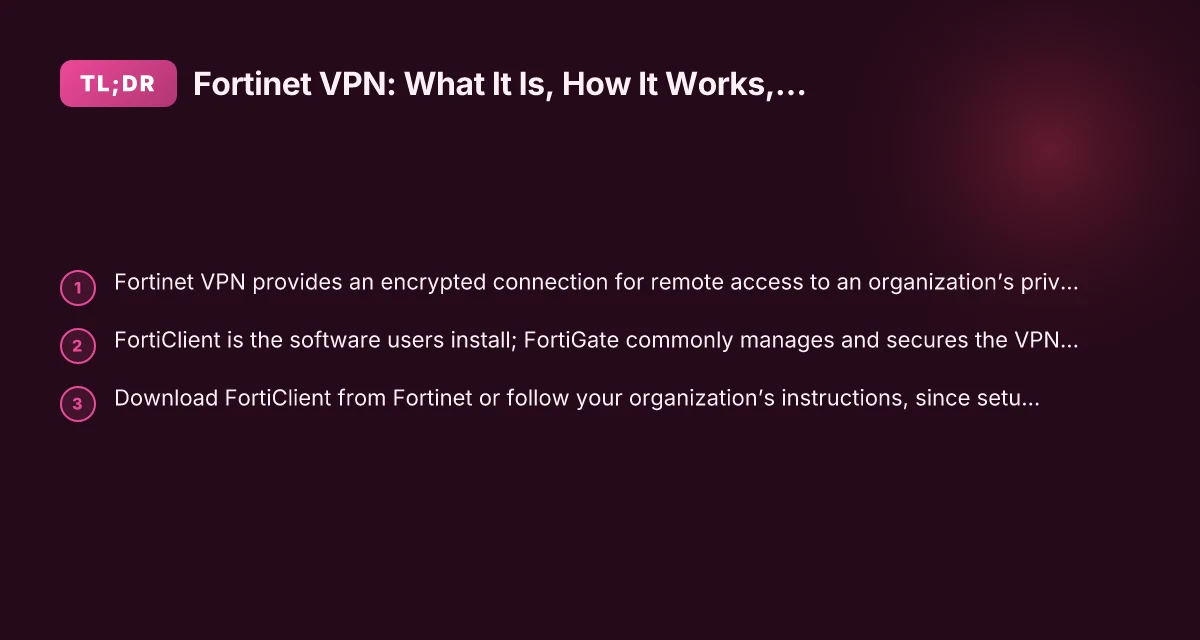
A failed connection does not always mean the VPN software is at fault. The service may be unavailable, the connection details may be incorrect, or the device may not meet the organization’s access rules.
Try these checks before contacting support:
- Confirm that your device has a working internet connection.
- Check that the VPN server address and connection profile match the organization’s instructions.
- Make sure your credentials are current and complete any required authentication step.
- Update or reinstall the client only with an installer approved by Fortinet or your organization.
- Restart the application or device, then try again.
- Record the exact error message and the time it occurred for your IT support team.
Use a trusted network when possible, keep the operating system and VPN client updated, and do not share your login or authentication codes. A VPN is one part of secure remote access. Your organization may also require device checks, multifactor authentication, or access only to approved resources. free VPN for edge extension(2026)
Choose a Fortinet VPN connection type based on access needs
| Comparison point | SSL VPN | IPsec VPN |
|---|---|---|
| Connection approach | VPN over SSL/TLS | VPN using IPsec |
| Typical use | Remote user access | Remote access or site-to-site links |
| Client configuration | Often uses FortiClient | Often uses FortiClient |
| Gateway configuration | Required on FortiGate | Required on FortiGate |
| Firewall or network changes | May need access allowed to the SSL VPN service | May need IPsec traffic allowed |
| Common connection checks | Server address, credentials, SSL VPN availability | Gateway address, credentials, IPsec settings |
| Security considerations | Use supported configurations and strong authentication | Use supported settings and strong authentication |
| Availability outlook | Fortinet has announced a phaseout for some FortiGate models | Remains an available VPN option |
Compiled November 2026; check the provider's site for current details.
Is Fortinet phasing out SSL VPN?
VPN features and product support can change over time, and the right option depends on the Fortinet product, software version, and organization’s configuration. Search results alone do not establish that SSL VPN is being phased out across all Fortinet deployments. Check current Fortinet documentation and release information for the specific FortiGate or FortiClient version in use, and ask your IT administrator before changing a working connection.
Recommendation
For personal setup, download FortiClient VPN from Fortinet’s official site and follow the instructions for your operating system. For work or school access, use your organization’s approved installer and configuration details. Contact its IT team if you are unsure which client or VPN method to use. free VPN edge extension(2026)