VPN free extension edge(2026)
Find out how free VPN extensions for Edge work, what they protect, and how to choose one that fits your browsing needs.
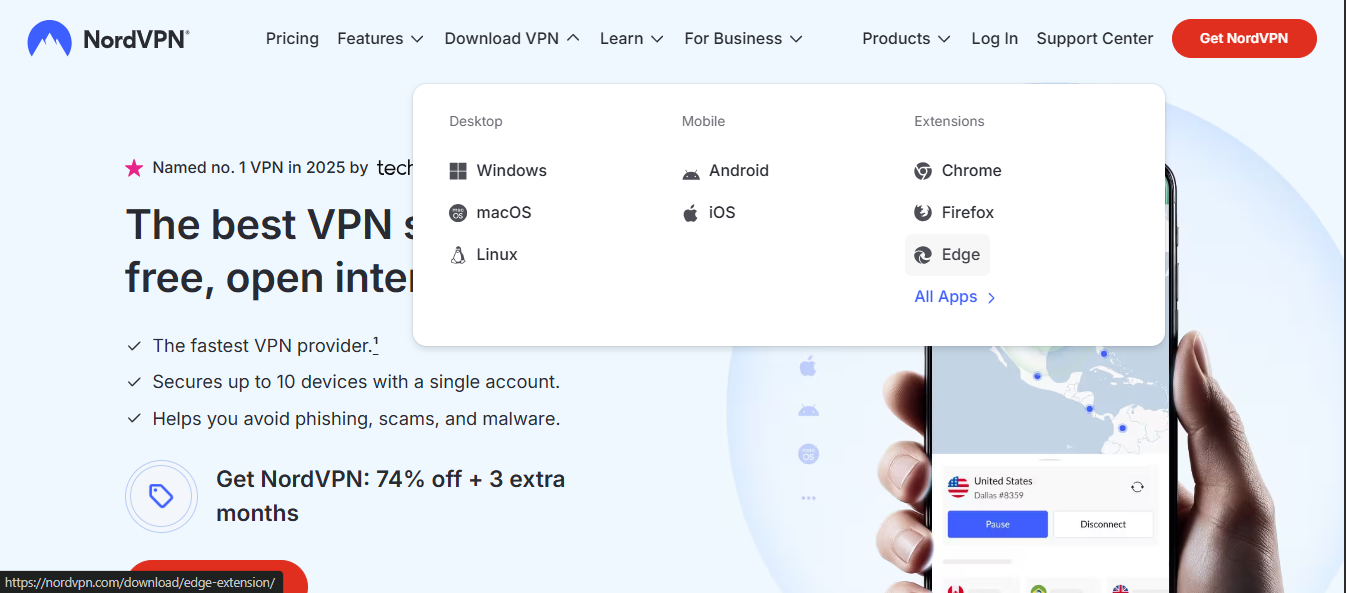
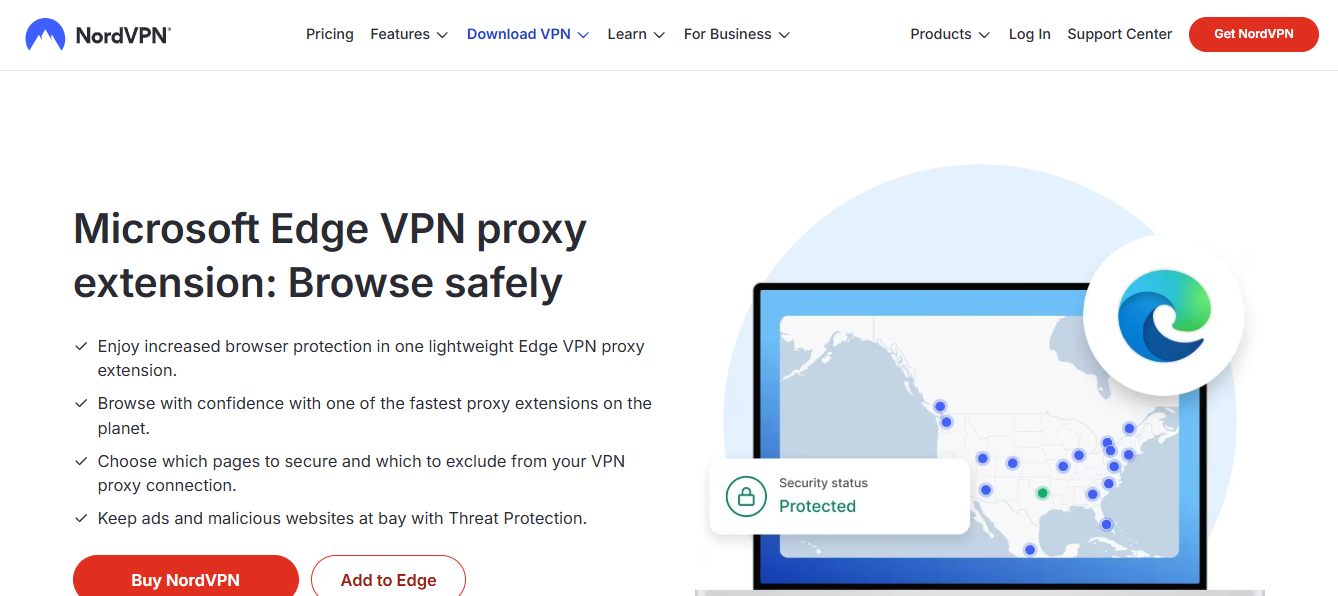
A VPN free extension for Edge can help route browser traffic through a VPN service, mask your visible IP address, and access a different virtual location. Microsoft Edge offers add-ons from providers such as VeePN and Browsec, while other services, including VuzeVPN and FreeVPNPlanet, offer Edge extensions on their websites. These tools are not all alike: review their privacy practices and understand what the extension does before relying on it.
Free VPN extensions to compare for Microsoft Edge
| Extension | Free plan | Data limit | Edge support | Best for | Check before choosing |
|---|---|---|---|---|---|
| Proton VPN | Yes | No monthly data cap | Available through Edge Add-ons | Unlimited basic browsing | Free-plan server locations |
| Windscribe | Yes | Monthly allowance | Available through Edge Add-ons | Flexible locations | Current free data allowance |
| TunnelBear | Yes | Monthly allowance | Available through Edge Add-ons | Simple setup | Whether the allowance suits your use |
| Browsec | Yes | Free tier available | Available through Edge Add-ons | Quick browser setup | Privacy policy and free-tier limits |
| Setup VPN | Yes | Free tier available | Available through Edge Add-ons | Basic browser routing | Provider’s logging and security details |
| Hola VPN | Yes | Free tier available | Available through Edge Add-ons | Accessing browser content | How peer-to-peer routing affects privacy |
Compiled November 2026; check the provider's site for current details.
| VPN | Obfuscation | From / month | Plan | Free plan | Refund | Alipay | UnionPay | Crypto | Website opens in China | Trustpilot | |
|---|---|---|---|---|---|---|---|---|---|---|---|
 Proton VPN | Turn on manually Stealth, free plan too | $2.99/mo | 12 months: $35.88 | Yes | 30 days | ✗ | ✗ | ✗ | ✓ | ✗ Blocked | 2.1/5 (1,040 reviews) |
 Windscribe | Turn on manually Stealth / WStunnel | $5.75/mo | 12 months: $69 | Yes | See site | ✗ | ✗ | ✗ | ✓ | ✗ Blocked | 4.7/5 (13,355 reviews) |
 Surfshark | ✓ On by default Camouflage, with OpenVPN | See site | See site | No | 30 days | ✗ | ✗ | ✗ | ✓ | ✗ Blocked | 4.3/5 (31,823 reviews) |
 ZoogVPN | Turn on manually Shadow | $2.49/mo | 27 months: $59.99 | Yes | 7 days | ✓ | ✓ | ✓ | ✓ | Official site blocked; our special link opens (4.4 s) | 4.2/5 (195 reviews) |
 NordVPN | Turn on manually Obfuscated Servers / NordWhisper | $3.49/mo | 27 months: $94.23 | No | 30 days | ? | ✗ | ✓ | ✓ | ✗ Blocked | 4.2/5 (51,628 reviews) |
 ExpressVPN | ✓ On by default all servers | $3.00/mo | 28 months: $84 | No | 30 days | ✗ | ✗ | ✓ | ✗ | ✗ Blocked | 4.4/5 (29,706 reviews) |
 Astrill VPN | Turn on manually StealthVPN / OpenWeb | $12.50/mo | 24 months: $300 | No | See site | ✗ | ✗ | ✗ | ✓ | ✗ Blocked | 1.3/5 (110 reviews) |
 Private Internet Access | Turn on manually Shadowsocks, OpenVPN only | $2.03/mo | 40 months: $81.2 | No | 30 days | ✗ | ✗ | ✗ | ✗ | ✗ Blocked | 4.2/5 (11,033 reviews) |
 CyberGhost | Turn on manually selected servers | $2.19/mo | 28 months: $61.32 | No | 45 days | ✗ | ✗ | ✗ | ✓ | ✗ Blocked | 4.0/5 (24,178 reviews) |
 PureVPN | Turn on manually switch to OpenVPN | $1.69/mo | 60 months: $101.55 | No | 31 days | ? | ? | ✗ | ✓ | ✗ Blocked | 4.4/5 (17,994 reviews) |
 AdGuard VPN | ✓ On by default TrustTunnel | $2.99/mo | 24 months: $71.76 | Yes | 30 days | ✓ | ✗ | ✓ | ✓ | Official site blocked; our special link opens (3.7 s) | 4.3/5 (290 reviews) |
 Mullvad | Turn on manually QUIC / Shadowsocks / LWO | $5.61/mo | €5/mo | No | 14 days | ✗ | ✗ | ✗ | ✓ | ✗ Blocked | 3.2/5 (192 reviews) |
 StrongVPN | Turn on manually Scramble, OpenVPN TCP | See site | See site | No | 30 days | ✓ | ✗ | ✗ | ✗ | ✗ Blocked | 4.4/5 (2,695 reviews) |
 LightXtreme 闪连 | Not listed | $7.08/mo | 12 months: $84.99 | Yes | 30 days | ✓ | ✓ | ✓ | ✓ | ✓ Yes (3.5 s) | No page |
Prices checked 2026-11-10 on each vendor's pricing page (cheapest long plan, USD). Check the vendor's checkout for the final price.
Obfuscation checked 2026-11-14 on each vendor's site and help center: "on by default" = nothing to set; "turn on manually" = switch protocol or mode in settings; "not listed" = the vendor describes no obfuscation.
Payment methods checked 2026-11-10 on each vendor's payment pages: all 14 take cards and PayPal; ✗ = not listed, ? = the vendor's own pages disagree.
China access: whether the official website opens from mainland China networks (tests the website only, not the VPN connection). Last checked 2026-11-18 01:02 Beijing time.
Trustpilot score and review count checked 2026-11-10.
Does Microsoft Edge have a free VPN?
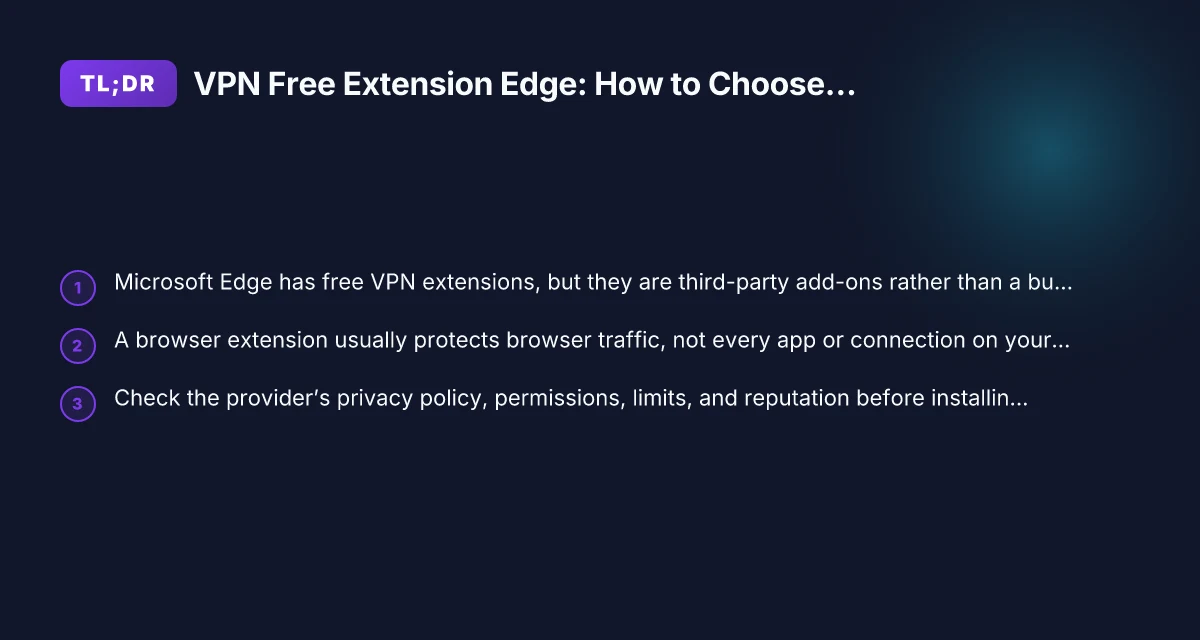
Edge does not include a built-in VPN service. Instead, you can install a VPN extension from the Microsoft Edge Add-ons store or, where offered, from a VPN provider’s website.
A VPN extension can be convenient if your main goal is to protect browsing within Edge. However, it may not cover traffic from other browsers, desktop apps, or system services. A full VPN app is generally the better fit when you want device-wide protection.
Free availability also does not guarantee that every feature is free. Some providers may offer free access with restrictions, while others promote unlimited data or additional features. Check the provider’s current terms rather than assuming all plans work the same way.
Free Edge VPN extensions to compare
The search results show several providers offering VPN extensions for Microsoft Edge. Their stated features are not a substitute for checking the actual plan details, privacy policy, and permissions. NordVPN extension edge(2026)
| Extension or service | What the listing or provider says | What to check |
|---|---|---|
| VeePN | Promotes a free Edge extension and says it supports private browsing and access to blocked websites | Confirm which features are available without a paid plan and review its privacy policy |
| Browsec VPN | Describes its Edge add-on as a free way to protect your IP and browse privately | Check free-plan locations, limits, and how the service handles data |
| VuzeVPN | Promotes unlimited VPN access through its Edge extension | Verify what “unlimited” means in the current terms and whether features require an account |
| FreeVPNPlanet | Offers an Edge extension advertised for hiding your IP and protecting data | Review the extension’s permissions, privacy policy, and any usage conditions |
| Surfshark | Offers a VPN proxy extension for Microsoft Edge | Check whether the features you want require a subscription |
Descriptions can change, and a listing’s marketing claims do not necessarily explain every limitation. Compare the details shown in the Edge Add-ons store with the provider’s own current documentation.
What a VPN extension can, and cannot, do
A browser VPN extension can route some or all of your browser traffic through the provider’s service. Depending on the product, it may also let you choose a server location. This can make websites see the VPN server’s IP address instead of your usual one.
It does not automatically make you anonymous. Websites may still identify you through account sign-ins, cookies, browser settings, or other tracking methods. A VPN also cannot guarantee access to every blocked site or streaming service.
Before installing, check whether the extension protects only Edge traffic or works alongside a separate VPN app. If you need protection for all internet-connected apps on your device, look for a full VPN application and verify its coverage. VPN extension for microsoft edge(2026)
What an Edge VPN extension can and cannot do
| Capability | VPN extension | Full VPN app | What to check |
|---|---|---|---|
| Route browser traffic | Usually | Yes | Which browser traffic is included |
| Protect other apps | Usually no | Yes | Whether system-wide protection is needed |
| Mask your public IP | Usually | Yes | Confirm using an IP check |
| Encrypt connection to VPN server | Usually | Yes | Provider’s encryption and security details |
| Protect traffic on public Wi-Fi | Browser traffic only | Device traffic | Coverage beyond Edge |
| Choose a server location | Often | Often | Free-plan location restrictions |
| Stop leaks if connection drops | Varies | Varies | Kill switch and leak-protection features |
Compiled November 2026; check the provider's site for current details.
How to choose a free VPN extension for Edge
Use these checks to compare options:
- Privacy policy: Look for clear details about what data the provider collects, how it is used, and whether browsing activity is logged.
- Permissions: Review what the extension can access. Be cautious if its requested access seems broader than needed for the service.
- Limits and features: Check for data caps, speed limits, restricted server locations, account requirements, or paid upgrades.
- Provider and listing: Prefer a clearly identified provider and install through the official Microsoft Edge Add-ons store when the extension is available there.
- Security claims: Treat phrases such as “secure” or “private” as claims to verify, not proof. Look for understandable technical and privacy information.
- Support and updates: Check whether the extension is maintained and whether the provider explains how to get help.
A “free” service still needs a way to operate. Find out how the provider supports it and whether its business model and data practices are explained plainly. free VPN for edge extension(2026)
How to install and test an Edge VPN extension
- Open the Microsoft Edge Add-ons store and search for the provider’s official extension.
- Confirm the developer name and review the listing, permissions, and privacy information.
- Select Get and follow Edge’s prompts to install the add-on.
- Open the extension, review its settings, and connect to a server if required.
- Test that it works as expected, then revisit the provider’s terms and settings if anything is unclear.
If the extension is offered only through the provider’s website, confirm that the site is genuine and follow its installation instructions carefully. Avoid downloading extension files from unfamiliar third-party sites.
A practical checklist for choosing and testing a free Edge VPN extension
| Decision point | What to look for | How to check | Good sign |
|---|---|---|---|
| Edge compatibility | Official Edge Add-ons listing | Open the listing in Edge | Publisher and permissions are clear |
| Data allowance | Stated free-plan limit | Read the plan details | Limit fits your expected use |
| Privacy | Clear logging policy | Review the privacy policy | Data collection is explained |
| Permissions | Access limited to needed features | Inspect requested permissions | No unexplained access |
| Server choice | Useful free locations | Check the available server list | Location meets your needs |
| Connection | Stable browsing | Load a few sites while connected | Pages work without repeated drops |
| IP protection | Traffic appears routed through VPN | Compare IP before and after connecting | Public IP changes |
| Leak protection | DNS and WebRTC safeguards | Use reputable leak-test pages | No unexpected location or IP exposure |
Compiled November 2026; check the provider's site for current details.
Recommendation
For basic browser-level privacy, a free VPN extension for Edge may be useful, provided you choose a reputable provider and understand the free plan’s limits. Compare VeePN, Browsec, VuzeVPN, and FreeVPNPlanet by their current terms and privacy practices rather than by headline claims alone. If you need protection beyond Edge, choose a full VPN app and verify that it covers your whole device. free VPN edge extension(2026)