nord VPN for pc(2026)
Learn how to get NordVPN for a Windows PC, install the app, connect securely, and understand its key limitations.
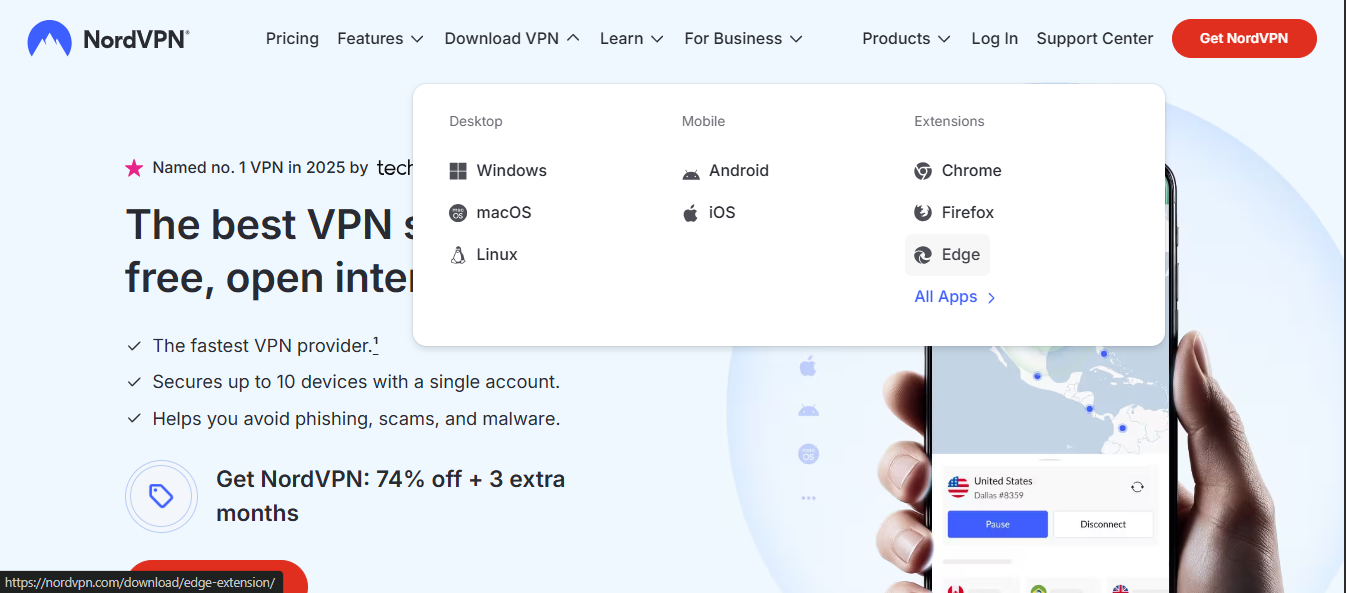
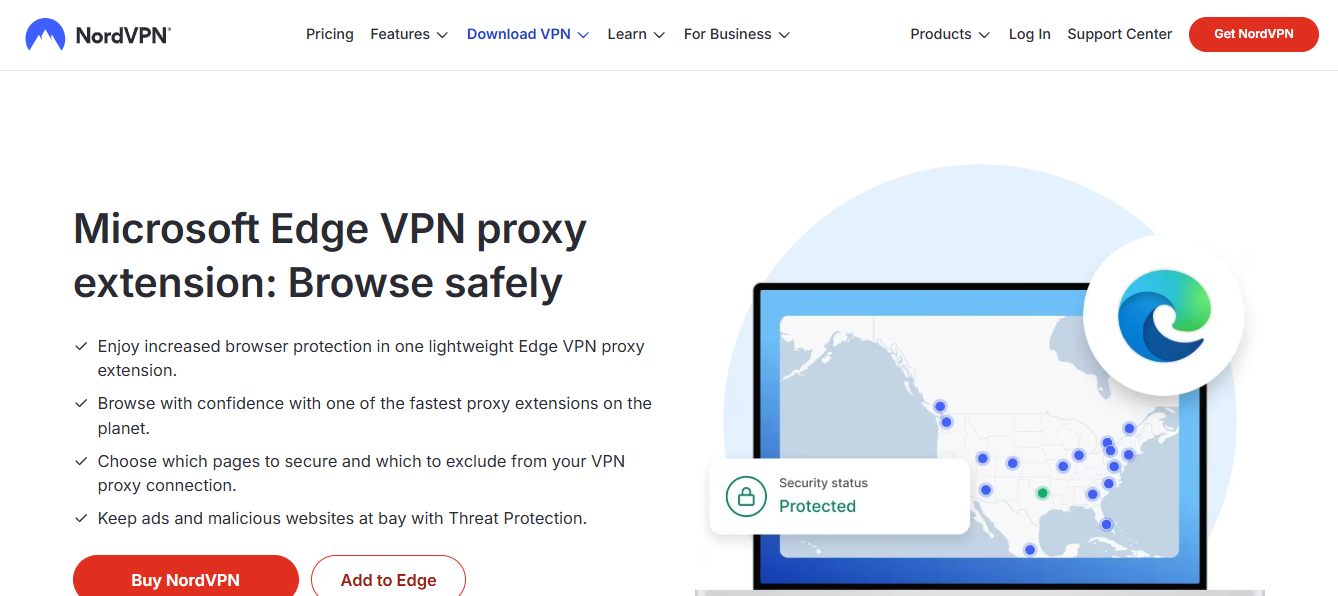
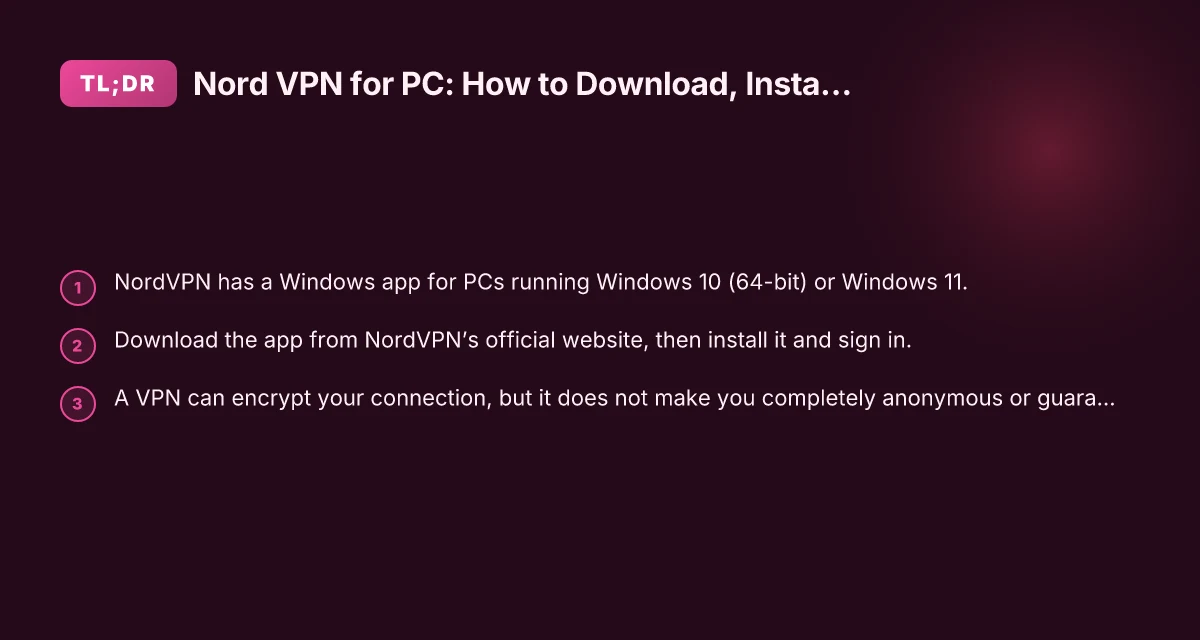
NordVPN is available for PC through its Windows app. To get started, visit NordVPN’s official Windows download page, download the installer, and follow the setup prompts. The app is listed for Windows 10 (64-bit) and Windows 11, and you’ll need an internet connection to download it and sign in.
NordVPN for PC: Comparing download options
| Option | Source | Safety | Cost | Recommendation |
|---|---|---|---|---|
| NordVPN Windows app | Official NordVPN website | Official source | Subscription | Best choice for most users |
| NordVPN Windows app | Microsoft Store | Official app store | Subscription | Convenient alternative |
| Third-party download site | Unofficial website | Source may be uncertain | Varies | Avoid when possible |
| Browser extension | Official browser store | Official extension listing | Subscription | Not a replacement for the full app |
| Another VPN provider | Provider’s official website | Check the provider | Varies | Compare features and terms |
| No VPN | Not applicable | No VPN protection | No VPN fee | Use only if a VPN is not needed |
Compiled November 2026; check the provider's site for current details.
| VPN | Obfuscation | From / month | Plan | Free plan | Refund | Alipay | UnionPay | Crypto | Website opens in China | Trustpilot | |
|---|---|---|---|---|---|---|---|---|---|---|---|
 NordVPN | Turn on manually Obfuscated Servers / NordWhisper | $3.49/mo | 27 months: $94.23 | No | 30 days | ? | ✗ | ✓ | ✓ | ✗ Blocked | 4.2/5 (51,628 reviews) |
 ZoogVPN | Turn on manually Shadow | $2.49/mo | 27 months: $59.99 | Yes | 7 days | ✓ | ✓ | ✓ | ✓ | Official site blocked; our special link opens (4.4 s) | 4.2/5 (195 reviews) |
 ExpressVPN | ✓ On by default all servers | $3.00/mo | 28 months: $84 | No | 30 days | ✗ | ✗ | ✓ | ✗ | ✗ Blocked | 4.4/5 (29,706 reviews) |
 Surfshark | ✓ On by default Camouflage, with OpenVPN | See site | See site | No | 30 days | ✗ | ✗ | ✗ | ✓ | ✗ Blocked | 4.3/5 (31,823 reviews) |
 Proton VPN | Turn on manually Stealth, free plan too | $2.99/mo | 12 months: $35.88 | Yes | 30 days | ✗ | ✗ | ✗ | ✓ | ✗ Blocked | 2.1/5 (1,040 reviews) |
 Astrill VPN | Turn on manually StealthVPN / OpenWeb | $12.50/mo | 24 months: $300 | No | See site | ✗ | ✗ | ✗ | ✓ | ✗ Blocked | 1.3/5 (110 reviews) |
 Private Internet Access | Turn on manually Shadowsocks, OpenVPN only | $2.03/mo | 40 months: $81.2 | No | 30 days | ✗ | ✗ | ✗ | ✗ | ✗ Blocked | 4.2/5 (11,033 reviews) |
 CyberGhost | Turn on manually selected servers | $2.19/mo | 28 months: $61.32 | No | 45 days | ✗ | ✗ | ✗ | ✓ | ✗ Blocked | 4.0/5 (24,178 reviews) |
 PureVPN | Turn on manually switch to OpenVPN | $1.69/mo | 60 months: $101.55 | No | 31 days | ? | ? | ✗ | ✓ | ✗ Blocked | 4.4/5 (17,994 reviews) |
 AdGuard VPN | ✓ On by default TrustTunnel | $2.99/mo | 24 months: $71.76 | Yes | 30 days | ✓ | ✗ | ✓ | ✓ | Official site blocked; our special link opens (3.7 s) | 4.3/5 (290 reviews) |
 Mullvad | Turn on manually QUIC / Shadowsocks / LWO | $5.61/mo | €5/mo | No | 14 days | ✗ | ✗ | ✗ | ✓ | ✗ Blocked | 3.2/5 (192 reviews) |
 Windscribe | Turn on manually Stealth / WStunnel | $5.75/mo | 12 months: $69 | Yes | See site | ✗ | ✗ | ✗ | ✓ | ✗ Blocked | 4.7/5 (13,355 reviews) |
 StrongVPN | Turn on manually Scramble, OpenVPN TCP | See site | See site | No | 30 days | ✓ | ✗ | ✗ | ✗ | ✗ Blocked | 4.4/5 (2,695 reviews) |
 LightXtreme 闪连 | Not listed | $7.08/mo | 12 months: $84.99 | Yes | 30 days | ✓ | ✓ | ✓ | ✓ | ✓ Yes (3.5 s) | No page |
Prices checked 2026-11-10 on each vendor's pricing page (cheapest long plan, USD). Check the vendor's checkout for the final price.
Obfuscation checked 2026-11-14 on each vendor's site and help center: "on by default" = nothing to set; "turn on manually" = switch protocol or mode in settings; "not listed" = the vendor describes no obfuscation.
Payment methods checked 2026-11-10 on each vendor's payment pages: all 14 take cards and PayPal; ✗ = not listed, ? = the vendor's own pages disagree.
China access: whether the official website opens from mainland China networks (tests the website only, not the VPN connection). Last checked 2026-11-18 01:02 Beijing time.
Trustpilot score and review count checked 2026-11-10.
Is NordVPN available for PC?
Yes. NordVPN offers an app for Windows PCs and laptops. The official download page identifies Windows 10 (64-bit) and Windows 11 as supported systems. If your device runs another version of Windows, check NordVPN’s current support information before installing, because compatibility can depend on the app version.
A VPN creates an encrypted connection between your device and a VPN server. This can help protect internet traffic on networks you don’t fully trust and can change the IP address that websites see. It does not make you entirely anonymous: websites may still identify you through account sign-ins, cookies, browser settings, or other information.
How to download and install NordVPN for PC
For the most reliable download, use NordVPN’s official Windows page rather than a third-party download site.
- Open NordVPN’s official Windows download page.
- Select the download option and save the installer to your PC.
- Open the downloaded file and follow the on-screen instructions.
- Launch the NordVPN app once installation is complete.
- Sign in to your account and connect to a server.
You need a working internet connection to download the app and log in. If you haven’t subscribed or created an account, review the current options on NordVPN’s official website. Don’t assume that a download listing or an installer means the service is free. VPN extension for edge free(2026)
Before you install
- Confirm that your PC runs Windows 10 (64-bit) or Windows 11.
- Download the installer from NordVPN’s official website.
- Keep your sign-in details available.
- If installation fails, check NordVPN’s official Windows setup guide for current troubleshooting steps.
How to use the Windows app
After signing in, open the app and choose a server or use the app’s connection option. When connected, your internet traffic is routed through the VPN server. You can disconnect from the app when you no longer want to use the VPN connection.
The exact interface and available settings can change as the software is updated. If you want to adjust a feature or resolve a connection issue, consult NordVPN’s current in-app help or Windows support instructions.
Keep in mind that a VPN affects the network connection, not every part of your online privacy. For example, it can’t prevent you from sharing personal information on a website, and it doesn’t replace keeping Windows and your browser up to date.
NordVPN on PC: What to check before choosing urban VPN edge extension(2026)
| Consideration | NordVPN on Windows | What to know |
|---|---|---|
| PC support | Supported | NordVPN offers a Windows app |
| Download source | Official website or Microsoft Store | Avoid unfamiliar download sites |
| Price | Subscription | Check current plans and renewal terms |
| Free use | No permanent free plan | A paid plan is required |
| Privacy | VPN connection | Does not make a user impossible to identify |
| FBI tracking | Not guaranteed to prevent it | A VPN is not immunity from investigation |
| App use | Windows app | Connect to a server in the app |
| Downsides | Some trade-offs | Cost, performance changes, and account setup may matter |
Compiled November 2026; check the provider's site for current details.
Official download vs. third-party download sites
Search results may show NordVPN downloads on other websites. The official source is generally the clearest choice for getting the current Windows installer and setup guidance.
| Option | What to consider |
|---|---|
| NordVPN’s official Windows page | Provides the Windows app download and identifies supported Windows versions. |
| NordVPN’s general download page | Covers apps for other platforms as well as Windows. |
| Third-party download site | May offer a separate listing; verify the publisher and current version before downloading. |
For setup instructions, NordVPN’s official support article explains the Windows installation process and lists the prerequisites. If you’re unsure whether a file is legitimate, return to the official download page instead of running it.
Is NordVPN free for PC?
The app is available to download, but that alone does not establish that the VPN service is free to use. Check NordVPN’s official site for current account, subscription, and trial information. Offers and terms can change, so confirm the details before signing up. ey VPN connect(2026)
Be cautious with pages that describe a third-party listing as a free trial or imply that you can use the full service without an account. Read the terms shown by NordVPN and make sure you understand what happens after any trial or promotional period.
What are the downsides of using NordVPN?
As with any VPN, there are trade-offs. A VPN adds another step to your internet connection, and your experience may vary depending on the server, network conditions, and what you’re doing online. Some websites or services may also ask you to verify your identity or may not work as expected when they detect a VPN connection.
A VPN also shifts trust rather than eliminating it. Your internet provider may see less detail about your VPN-routed browsing, but the VPN provider becomes part of the connection. Review the provider’s privacy information and settings, and remember that a VPN is only one part of a broader security routine.
Can the FBI track you if you use NordVPN?
Using a VPN does not make someone untraceable. A VPN can mask your usual public IP address from websites, but it cannot erase account activity, device data, or information you choose to share. Law enforcement investigations can involve sources beyond a VPN connection, and the result depends on the circumstances. urban VPN chrome extension(2026)
For everyday privacy, use a VPN alongside strong, unique passwords, software updates, and careful handling of personal information. Don’t rely on a VPN to hide unlawful activity or guarantee anonymity.
NordVPN for PC: Quick decision guide
| Your priority | NordVPN may fit if… | Keep in mind | Decision |
|---|---|---|---|
| Simple installation | You want a Windows app | Download from an official source | Good fit |
| Safer downloads | You prefer verified software | Use NordVPN’s website or Microsoft Store | Good fit |
| No-cost VPN | You need ongoing free access | NordVPN is subscription-based | Look elsewhere |
| Basic VPN use | You want to connect through an app | Choose a server and connect | Good fit |
| Guaranteed anonymity | You expect a VPN to hide all activity | VPNs cannot guarantee anonymity | Not a fit |
| Avoiding all trade-offs | You do not want possible speed changes | VPN performance can vary | Consider carefully |
Compiled November 2026; check the provider's site for current details.
Recommendation
For a Windows PC running Windows 10 (64-bit) or Windows 11, download NordVPN from its official website, install the app, and sign in to connect. Use the official support guide if you need help, and review current subscription terms before paying. A VPN can improve connection privacy, but it works best as one layer of a sensible security routine. turn off microsoft edge VPN(2026)