Lists: A Practical Guide to Using Lists Effectively
Discover how lists improve clarity, organization, and productivity with practical tips and examples.
In writing and information design, lists are a versatile tool. They help readers scan, retain, and act on information. From to-do lists to feature checks and shopping lists, well-constructed lists reduce cognitive load and improve communication. Below is a practical guide to using lists effectively, with examples you can adapt to your own work or life.
Quick compare of list types by readability and use-cases
| List Type | Ideal Use | Pros | Cons |
|---|---|---|---|
| Bullet | General ideas, non-sequential | Simple; fast to scan | No order or priority |
| Numbered | Steps, ordered tasks | Clear sequence; easy to reference | Might imply strict order |
| Checklist | Actions to complete | Track progress; actionable | Requires updates on completion |
| Nested bullet | Subpoints under main idea | Shows hierarchy | Can be hard to skim |
| Definition list | Define terms | Clear meaning | Less common in casual text |
Compiled November 2026; check the provider's site for current details.
What lists do best
Why use lists
- Break down large topics into manageable chunks
- Highlight priorities and sequence
- Improve memory through chunking and repetition
- Create scannable content for readers in a hurry
- Provide actionable steps that are easy to follow
Common list formats
- Bulleted lists: for unordered information, ideas, or options
- Numbered lists: for steps, sequences, or ranking
- Checklists: for tasks you need to complete or verify
- Nested lists: for subpoints that require hierarchy
- Definition lists: for terms and their explanations
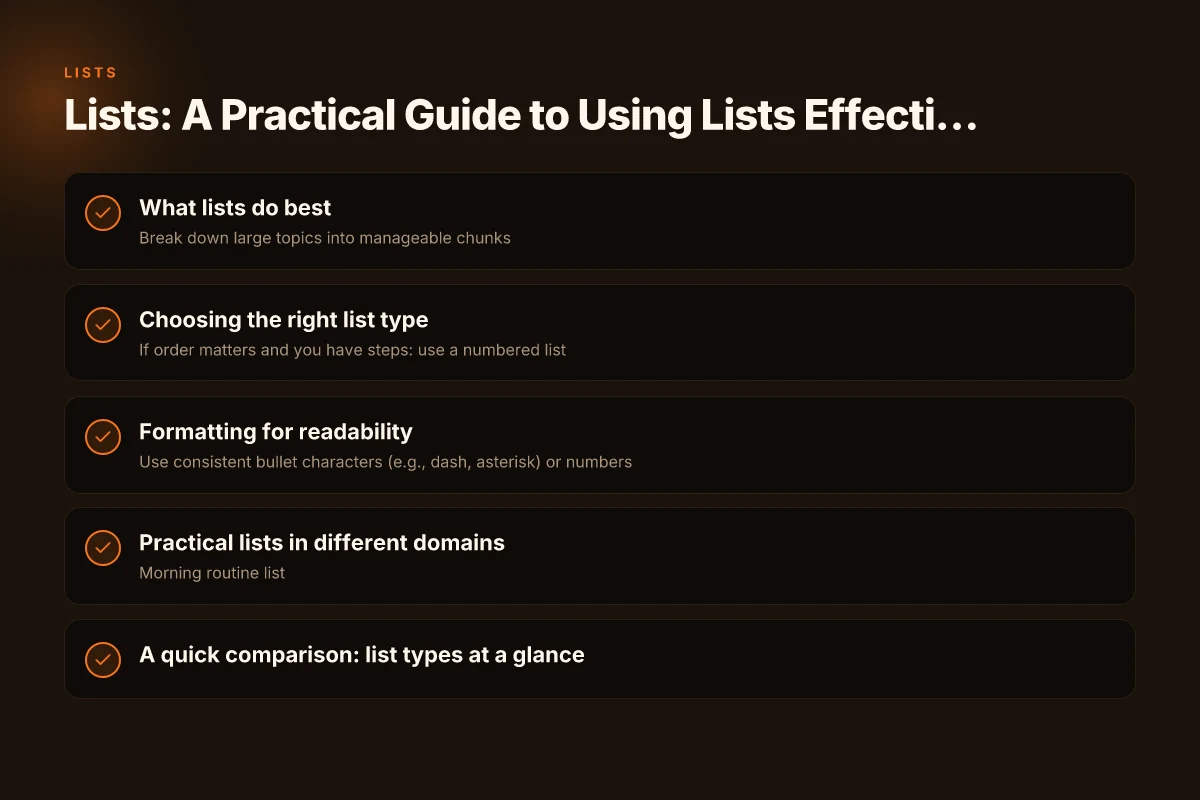
Choosing the right list type
Quick decision guide
- If order matters and you have steps: use a numbered list
- If you’re naming options with no required order: use bullets
- If you need to confirm completion: use a checklist
- If you’re defining terms: use a definition-style layout
- If you’re comparing items: use a table or side-by-side bullets
When to nest
- Use nesting to show substeps or subcategories
- Keep nesting shallow (2–3 levels) to avoid confusion
- Indent or use indentation markers consistently
Formatting for readability
Consistent markers and punctuation
- Use consistent bullet characters (e.g., dash, asterisk) or numbers
- Start each item with a capital letter
- End items with punctuation only if they are full sentences
- Parallel structure: begin each item with the same part of speech
Visual cues that help
- Bold key phrases within items for quick scanning
- Use ranges or succession indicators (1–3, first, then)
- Add short timestamps or deadlines for time-sensitive lists
- Group related items with subheadings or dividers
Example styles
- Unordered list (bullets) for ideas:
- Improve onboarding with a quick-start guide
- Compile a resources list for new hires
- Schedule weekly check-ins
- Ordered list (numbers) for steps:
- Define the goal of the list
- Gather required items
- Organize items into categories
- Review for completeness
- Publish and track updates
- Checklist format:
- Confirm requirements
- Set milestones
- Assign owners
- Verify ready for launch
Readability formatting guidelines across domains
| Domain | Heading level | Paragraph style | List punctuation | Spacing | Accessibility note |
|---|---|---|---|---|---|
| Web article | H2/H3 | Short paragraphs | Periods preferred | Tight between bullets | Use ARIA lists |
| Academic | H1/H2 | Formal prose | Semicolons where needed | Extra line breaks | Semantic tags |
| Presentation | Large fonts | Brief lines | Minimal punctuation | More whitespace | Screen-reader friendly |
| Product docs | H2/H3 | Direct, concise | Periods or no punctuation | Consistent spacing | Bullet structure matters |
| H2 | Conversational | Short lines | Compact layout | Clear alt text if lists |
Compiled November 2026; check the provider's site for current details.
Practical lists in different domains
Personal productivity
- Morning routine list
- Daily tasks with priority markers
- Weekly review questions
- Habit tracker entries
Work tasks and projects
- Project backlog items
- Sprint backlog with acceptance criteria
- Risk and mitigation items
- Stakeholder update bullets
Education and learning
- Study plan by topic
- Key concepts and definitions
- Practice problems by difficulty
- Revision checklist
Shopping and routines
- Grocery list with aisle groupings
- Household maintenance tasks by season
- Packing lists for travel
A quick comparison: list types at a glance
| List type | Best use cases | Pros | Cons | Example |
|---|---|---|---|---|
| Bulleted list | Unordered ideas, features, options | Flexible, easy to write | Can become long without structure | - Idea A - Idea B |
| Numbered list | Steps, sequences, rankings, priorities | Shows order, clear progression | May imply strict order unnecessarily | 1. Step one 2. Step two |
| Checklist | Tasks to complete, verification | Provides progress signals, accountability | Can become stale if not updated | [ ] Task A [ ] Task B |
| Nested list | Subpoints within a main point | Captures hierarchy, nuance | Can be hard to scan if over-nested | - Main point - Subpoint |
| Definition list | Terms and explanations | Clear relationships between terms | Less common; requires formatting | Term: Definition |
Decision table for choosing list type by goal
| Goal | Recommend list type | Why | When to use | When to avoid |
|---|---|---|---|---|
| Summarize features | Bullet | Fast read | Feature list section | Dense specs |
| Guide steps | Numbered | Order matters | Tutorial, setup | Random tasks |
| Track tasks | Checklist | Progress visible | Onboarding, QA | Non-actionable items |
| Show options with subpoints | Nested bullet | Hierarchy | Comparisons | Too deep nesting |
| Define terms | Definition list | Clarity of terms | Glossary, API docs | Narrative only |
Compiled November 2026; check the provider's site for current details. Italien: A Practical Guide to the Italian Language, Culture, and Identity
Best practices to implement today
- Start with a clear purpose: know what you want readers to do or understand after reading the list.
- Limit each list to a single focus area to avoid scope creep.
- Use a consistent structure across lists in a document or presentation.
- Test readability: read the list aloud, ensure items are parallel, and confirm there are no ambiguous phrases.
- Use visuals sparingly: icons or emojis can aid memory but avoid clutter.
Common pitfalls to avoid
- Overloading lists: too many items can overwhelm rather than help.
- Inconsistent formatting: mixed markers or inconsistent capitalization confuse readers.
- Hidden dependencies: listing items without clarifying order or prerequisites can mislead.
- Missing ownership: tasks without owners or deadlines reduce accountability.
- Redundancy: repeated items waste space and attention.
Practical examples you can adapt
- Personal task list:
- Prepare lunch
- Walk the dog
- Call mom
- Pay bills online
- Meeting agenda (numbered steps):
- Review last meeting notes
- Discuss new project scope
- Assign action items
- Confirm next meeting date
- Shopping list (bullets with categories):
- Produce: apples, spinach, berries
- Dairy: milk, yogurt
- Pantry: rice, beans, olive oil
- Learning checklist:
- Read Chapter 4 summary
- Complete practice problems 4A–4D
- Create flashcards for key terms
- Quiz myself with 10 questions
When to avoid lists
- When narrative flow is essential and lists interrupt storytelling
- When items require complex descriptions that don’t fit a simple line
- When information is highly contextual and cannot be itemized without losing nuance
The final recommendation
If you want clarity, influence, and action from your content, use lists deliberately. Start with the purpose, pick the right list type, and apply consistent formatting. Keep items concise, parallel, and scannable. Use nesting only to reflect meaningful structure, not decoration. With these practices, lists become a reliable tool to organize ideas, guide tasks, and support memory, whether you’re drafting an article, planning a project, or managing daily life.