clash for ios(2026)
Learn what Clash for iOS refers to, how to find a compatible app, and what to check before importing a configuration.
If you’re looking for Clash for iOS, start by choosing an iPhone or iPad app that supports Clash-compatible configuration files. One option in the current search results is Clash Mi, described on the App Store as a rule-based network proxy tool. The KaringX/clashmi project also describes Clash Mi as supporting the Mihomo core. Check the app’s current listing and documentation before installing or importing a configuration, since availability and requirements can change.
Compare common iOS client options
| Option | What it is | Clash profile support | Setup effort | Key check |
|---|---|---|---|---|
| Official Clash for iOS app | An app specifically named Clash for iOS | Depends on the app | Varies | Confirm it is genuine and maintained |
| Third-party Clash-compatible client | An independent app that supports Clash-style configurations | Check the app’s documentation | Varies | Verify compatibility with your profile |
| Generic proxy client | An app for proxy connections that may not support Clash profiles | May be unsupported | May require manual setup | Check supported formats before installing |
| App Store listing | A distribution listing, not proof of official status | Not applicable | Simple to browse | Check developer and update history |
| Configuration profile | The settings or subscription data used by a client | Client-dependent | Import or enter details | Use a trusted source |
| Manual configuration | Settings entered by hand | Client-dependent | More involved | Check each setting carefully |
Compiled November 2026; check the provider's site for current details.
What “Clash for iOS” means
Clash is commonly used to describe a family of rule-based proxy tools and compatible configurations. On iOS, you need a client app that can use such a configuration. Searching for the keyword may lead to apps, project pages, or download guides rather than one single official iOS product.
The search results include Clash Mi, available through Apple’s App Store, and KaringX/clashmi, a project describing support for iOS and other platforms. The project says it includes the Mihomo core, based on Clash.Meta, and supports recommended metacubex configurations. Treat those descriptions as project information, and consult the latest release notes for current details.
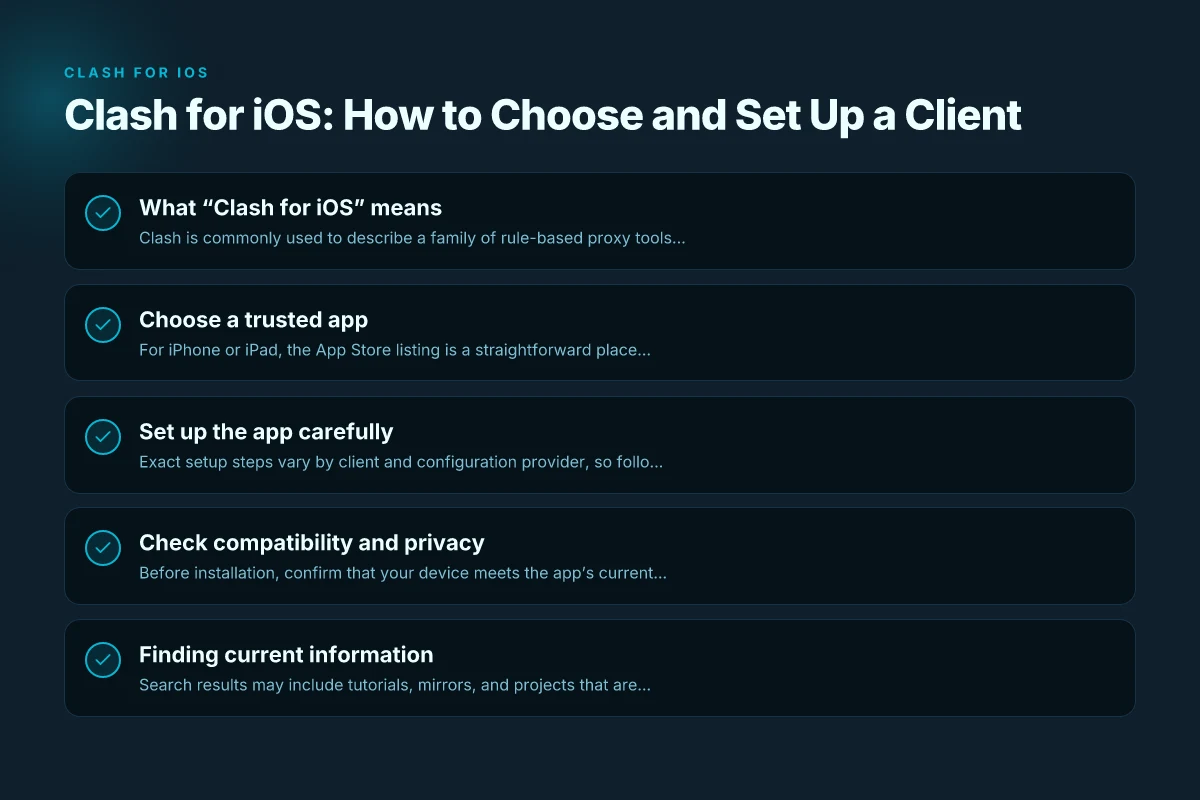
Choose a trusted app
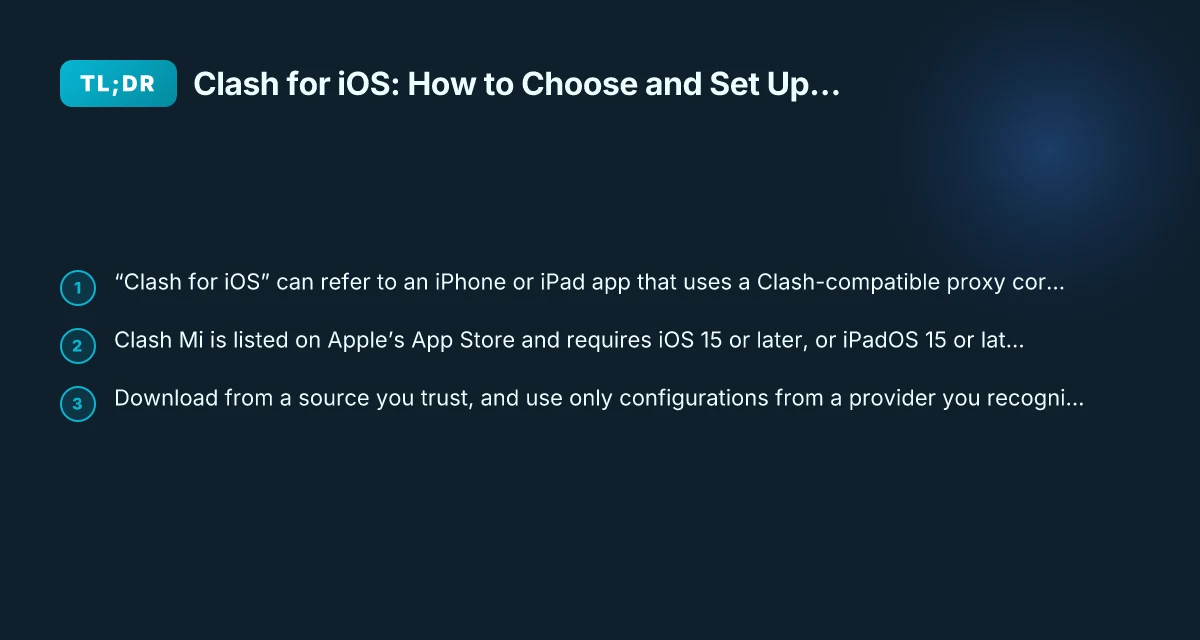
For iPhone or iPad, the App Store listing is a straightforward place to check Clash Mi’s requirements and developer information. The listing says the app requires iOS 15 or later on iPhone and iPadOS 15 or later on iPad.
You may also encounter websites offering “Clash iOS Download.” A download page is not the same as an Apple App Store listing, so verify what it provides and who maintains it before proceeding. Avoid installing profiles, certificates, or software from unfamiliar sources. VPN free(2026)
| Option | What the search results show | What to check |
|---|---|---|
| Clash Mi on the App Store | A rule-based network proxy tool | Current compatibility, developer details, and app permissions |
| KaringX/clashmi on GitHub | A cross-platform project that describes Mihomo support | Release notes, installation guidance, and configuration compatibility |
| Third-party download pages | Pages presented as Clash iOS download sources | Source authenticity and whether the instructions are safe and current |
Choose an app using practical checks
| Check | What to look for | Why it matters | Good sign | Caution |
|---|---|---|---|---|
| Developer identity | A clear, verifiable developer | Helps assess authenticity | Consistent publisher details | Unclear ownership |
| Maintenance | Recent, relevant updates | iOS changes can affect compatibility | Updates and release notes | Long inactivity |
| Documentation | Supported formats and setup steps | Reduces configuration errors | Specific, current instructions | Vague claims |
| Compatibility | Support for your configuration | Not every client reads every profile | Format is explicitly listed | Compatibility is assumed |
| Permissions | Requests that fit the app’s purpose | Limits unnecessary access | Requests are explained | Unexpected access requests |
| Privacy policy | Data collection and handling details | VPN-related traffic is sensitive | Clear, readable policy | Missing or unclear policy |
| Distribution | A trustworthy installation source | Reduces risk from counterfeit apps | Recognized source | Unverified download links |
Compiled November 2026; check the provider's site for current details.
Set up the app carefully
Exact setup steps vary by client and configuration provider, so follow the app’s current instructions. In general, the process is:
- Install a client from a source you trust.
- Obtain a compatible configuration from a provider you recognize.
- Import it using the method supported by the app, such as a file or subscription link.
- Review the configuration and available rules or options.
- Start the connection only after you understand what the configuration will route.
A configuration can determine how network traffic is handled. Do not import files or links from unknown people or websites, and never share a private subscription link publicly. If you are unsure what a configuration does, ask its provider before enabling it. VPN extension for edge(2026)
Check compatibility and privacy
Before installation, confirm that your device meets the app’s current operating-system requirements. For Clash Mi, the App Store listing specifies iOS 15 or later and iPadOS 15 or later. Check the listing again in case requirements have changed.
Also review the app’s privacy information and permissions. A proxy client may need to create a system network configuration to route traffic. Read the app’s explanations and the configuration provider’s privacy terms, especially if you plan to use it on sensitive accounts or networks.
Keep these points in mind:
- Use an app page or project maintained by a source you can verify.
- Update the app through its trusted distribution channel.
- Import configurations only from a provider you trust.
- Check whether your intended configuration is compatible with the client.
- Stop and investigate if setup instructions ask you to install unfamiliar software or grant unexpected access.
Finding current information
Search results may include tutorials, mirrors, and projects that are not affiliated with one another. A video guide can help explain the workflow, but its steps may refer to an older version or a particular region’s App Store. Confirm any download or setup instructions against the app’s current listing and documentation. cj.cj.net VPN(2026)
The search results also include pages labeled “Clash Network” and a GitHub repository called “Clash-For-Apple.” Their names alone do not establish that they are the same app or an official Clash release. Check ownership, documentation, and recent activity before relying on them.
Set up and verify a client safely
| Step | Action | Confirm before continuing | If it fails | Privacy reminder |
|---|---|---|---|---|
| 1. Choose | Select a maintained, compatible client | Developer and documentation are credible | Compare another client | Avoid unknown download sources |
| 2. Get configuration | Use a trusted provider or source | Profile format is supported | Ask the provider about formats | Treat subscription links as private |
| 3. Add profile | Import or enter the configuration | Client accepts it without errors | Recheck format and instructions | Do not share profile details |
| 4. Review settings | Check connection and routing options | Settings match your intended use | Consult current app guidance | Avoid enabling unexplained options |
| 5. Connect | Start the client connection | iOS shows the expected connection status | Check permissions and profile validity | A connection does not guarantee anonymity |
| 6. Test | Try the services you intend to use | Results match your needs | Check provider and client compatibility | Do not send sensitive data during uncertain tests |
| 7. Maintain | Check for app and configuration updates | Updates come from trusted sources | Recheck compatibility after changes | Review privacy terms periodically |
Compiled November 2026; check the provider's site for current details.
Recommendation
For a simple starting point, review the Clash Mi App Store listing and confirm that your device meets its stated requirements. If you prefer to inspect the project behind the app, read the KaringX/clashmi documentation and release notes. In either case, use a trusted configuration provider and verify every download before installing or connecting. openVPN connect(2026)